
Most small business owners do not lose time in one big obvious place.
They lose it in little pieces.
Five minutes copying a customer into a spreadsheet. Ten minutes looking for a message. Fifteen minutes answering the same question again. A missed follow-up here. A forgotten invoice there. By the end of the week, the business owner is tired and the work still is not organized.
Automation helps by taking repeatable steps off your plate. It also connects back to the bigger picture: a website, clean code, and simple systems working together. See our guide to small business websites, coding, and automation for the full breakdown.
It will not run the whole business for you. It should not. But it can handle the small tasks that keep stealing time and attention.
What automation means for a small business
Automation means setting up a system so a task happens automatically after a trigger.
A customer fills out a form, and the system sends you a text.
Someone books an appointment, and the system sends a reminder.
A job gets marked complete, and the customer receives a review request.
A quote request comes in, and the details go into your CRM or spreadsheet without anyone copying and pasting.
That is the kind of automation most small businesses need. Simple, useful, and tied to real work.
Where small businesses waste the most time
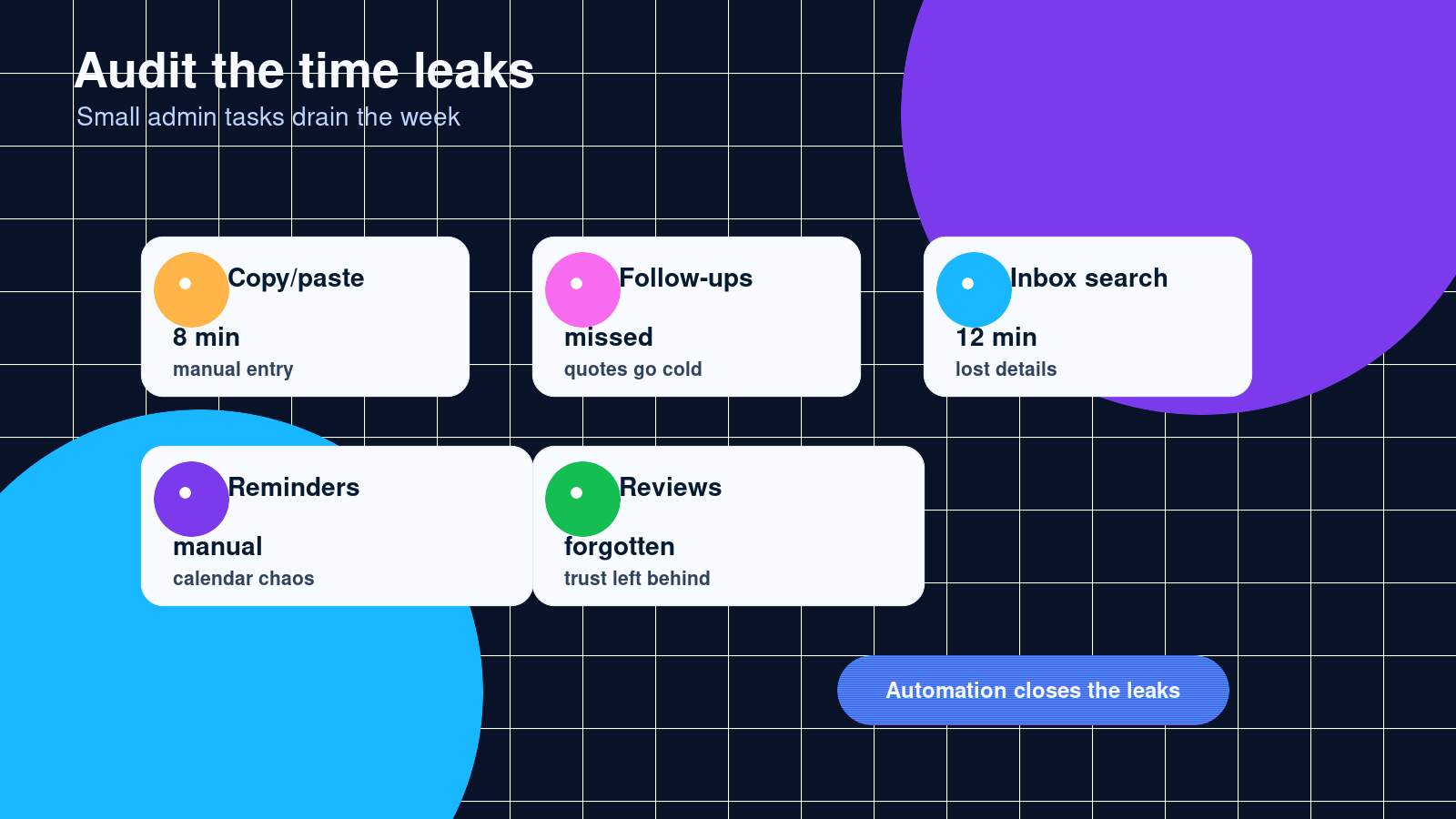
The biggest time leaks usually happen around communication and admin work.
Common examples:
- Re-entering customer information in multiple places
- Manually sending appointment reminders
- Searching through texts, emails, and social DMs for lead details
- Forgetting to follow up on quotes
- Sending the same answers to common questions
- Manually requesting reviews
- Building invoices from scratch every time
- Moving leads from website forms into a spreadsheet
- Checking several apps just to know what is going on
None of this feels like “technology work.” It just feels like running the business.
That is why it gets ignored for so long.
Automation helps you respond faster
Speed matters when someone is ready to buy.
If a customer fills out your contact form and does not hear back until tomorrow, they may already be talking to someone else. That is especially true for contractors, cleaning companies, repair services, salons, consultants, and local service businesses.
A basic automation can send an instant confirmation to the customer and notify the owner at the same time.
For example:
- Customer submits a quote form.
- Customer gets a message: “We got your request and will follow up soon.”
- Owner gets a text with the customer’s name, phone number, service, and location.
- The lead gets saved in a spreadsheet or CRM.
That setup does not replace the owner. It just makes sure the lead does not disappear.
Automation keeps follow-up from depending on memory
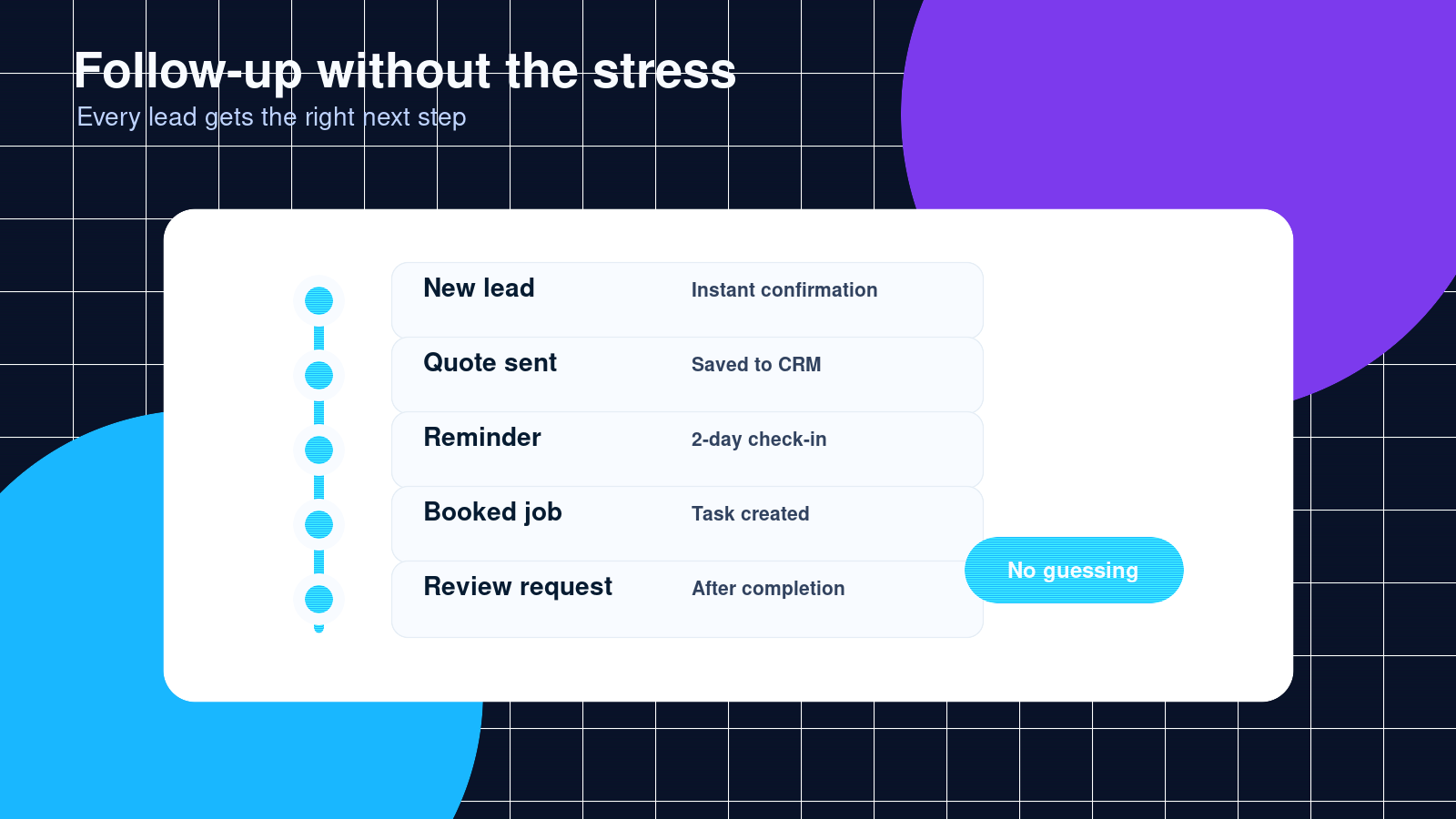
Most businesses do not have a lead problem only. They have a follow-up problem.
Someone asks for a quote. The owner responds. The customer says, “I’ll think about it.” Then the day gets busy, another job comes in, and nobody follows up.
That is money sitting on the table.
A follow-up automation can send a polite message after a set amount of time. It can also remind the owner to call personally.
The message does not need to sound fake. Keep it simple:
“Hey, just checking in to see if you had any questions about the quote. Happy to help.”
That one message can bring back customers who were interested but distracted.
Automation makes the customer experience smoother
Customers like businesses that feel organized.
They want to know their request was received. They want reminders before appointments. They want clear next steps. They want payment to be easy. They want communication that does not feel scattered.
Automation can help with:
- Booking confirmations
- Appointment reminders
- Intake forms
- Payment links
- Status updates
- Review requests
- Thank-you messages
The trick is to use automation for structure, not personality.
Let the system handle the timing. Let the human voice still sound human.
Automation gives you cleaner records
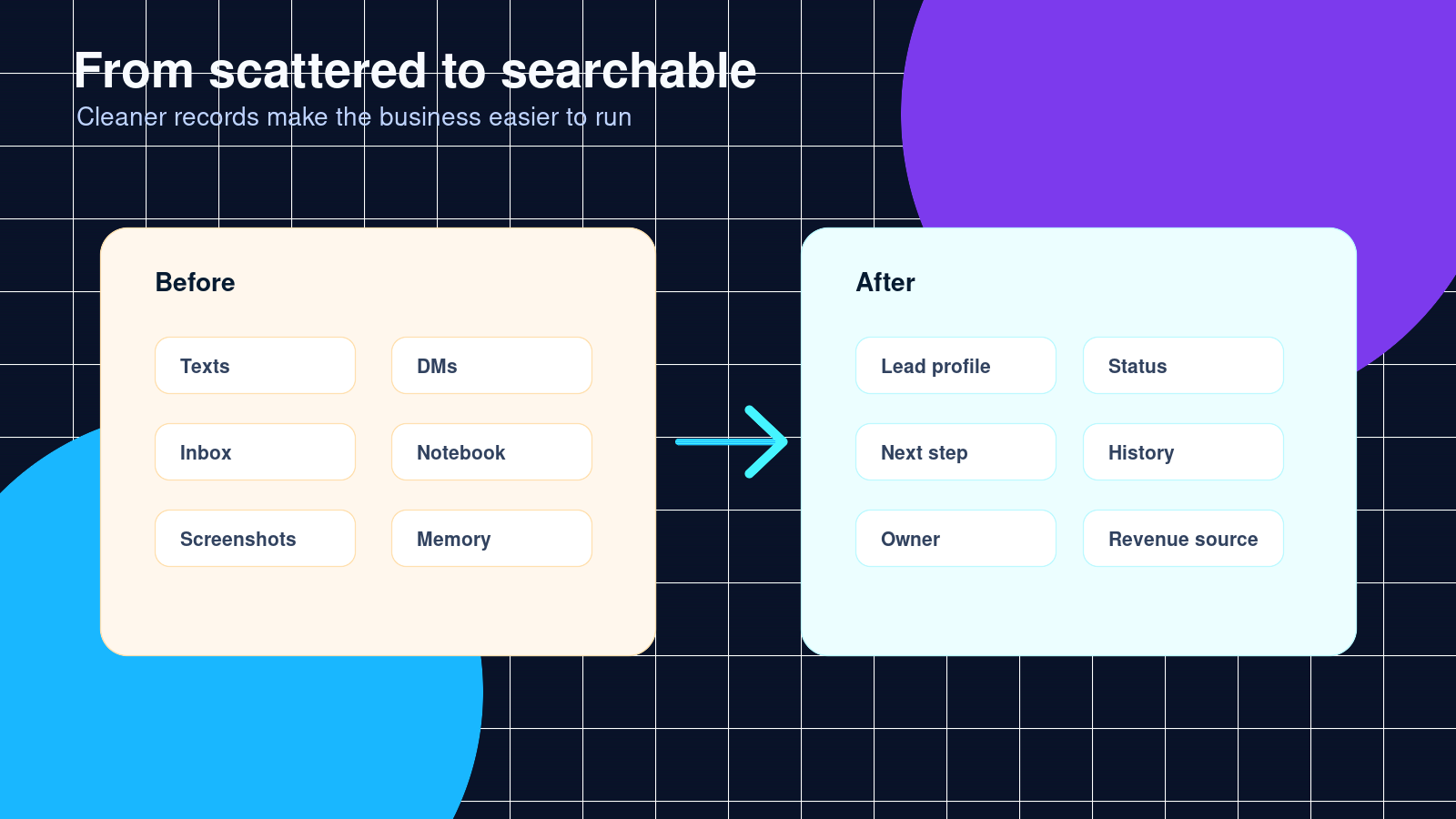
A lot of small businesses run on memory, notebooks, text threads, and inbox searches.
That works until the business gets busy.
Then leads get missed. Customer details get lost. Nobody knows who followed up. The owner becomes the only person who knows where everything is.
A simple automation can save every lead in one place.
That could be a CRM, a spreadsheet, a project board, or another tool the business already uses. The exact app matters less than the habit: every lead and customer action should be trackable.
Once your records are cleaner, you can answer better questions:
- Where are leads coming from?
- Which services get the most requests?
- How many quotes turn into paid jobs?
- Which follow-ups work?
- What tasks keep slowing the team down?
You cannot improve what you cannot see.
Automation can help with reviews
Reviews are a big deal for local businesses.
The problem is that most happy customers do not leave reviews unless you ask. They may love the work and still forget five minutes later.
A review request automation solves that.
After a job is complete, the customer gets a short message with a review link. That is it.
The timing matters. Ask while the good experience is still fresh. Do not wait three weeks.
A cleaning company, barber, contractor, photographer, consultant, or repair business can all use this kind of setup.
What not to automate
Do not automate everything.
Some parts of business need a real person.
Do not automate serious complaints with a generic message. Do not send robotic sales messages to people who need a real conversation. Do not build a maze of automatic replies that makes customers feel trapped.
Automation should remove friction, not hide you from your customers.
Good rule: automate the repeatable step, not the relationship.
Simple automations worth starting with
If your business is new to automation, start small.
Good first automations include:
- Website form to email and text notification
- Website form to spreadsheet or CRM
- Automatic appointment confirmation
- Appointment reminder 24 hours before the booking
- Quote follow-up after two or three days
- Review request after job completion
- New customer intake form
- Payment reminder
- Weekly lead report
You do not need all of these at once. Pick the one bottleneck that wastes the most time or causes the most missed money.
Example: a local service business
Say a local pressure washing business gets leads from its website, Facebook, and phone calls.
Before automation, the owner has to check every channel manually. Some leads are in Messenger. Some are in email. Some are screenshots. Some are written down while driving between jobs.
A better setup could look like this:
- Website quote form asks for name, phone, address, service type, and photos.
- The form sends the owner a text.
- The lead goes into a spreadsheet or CRM.
- The customer receives a confirmation message.
- If no booking happens after two days, the system sends a follow-up.
- After the job is marked complete, the customer receives a review request.
That is not complicated. It is just organized.
The owner still does the selling and the work. The system keeps the loose ends from turning into lost jobs.
How much time can automation save?
It depends on the business, but the time savings add up fast.
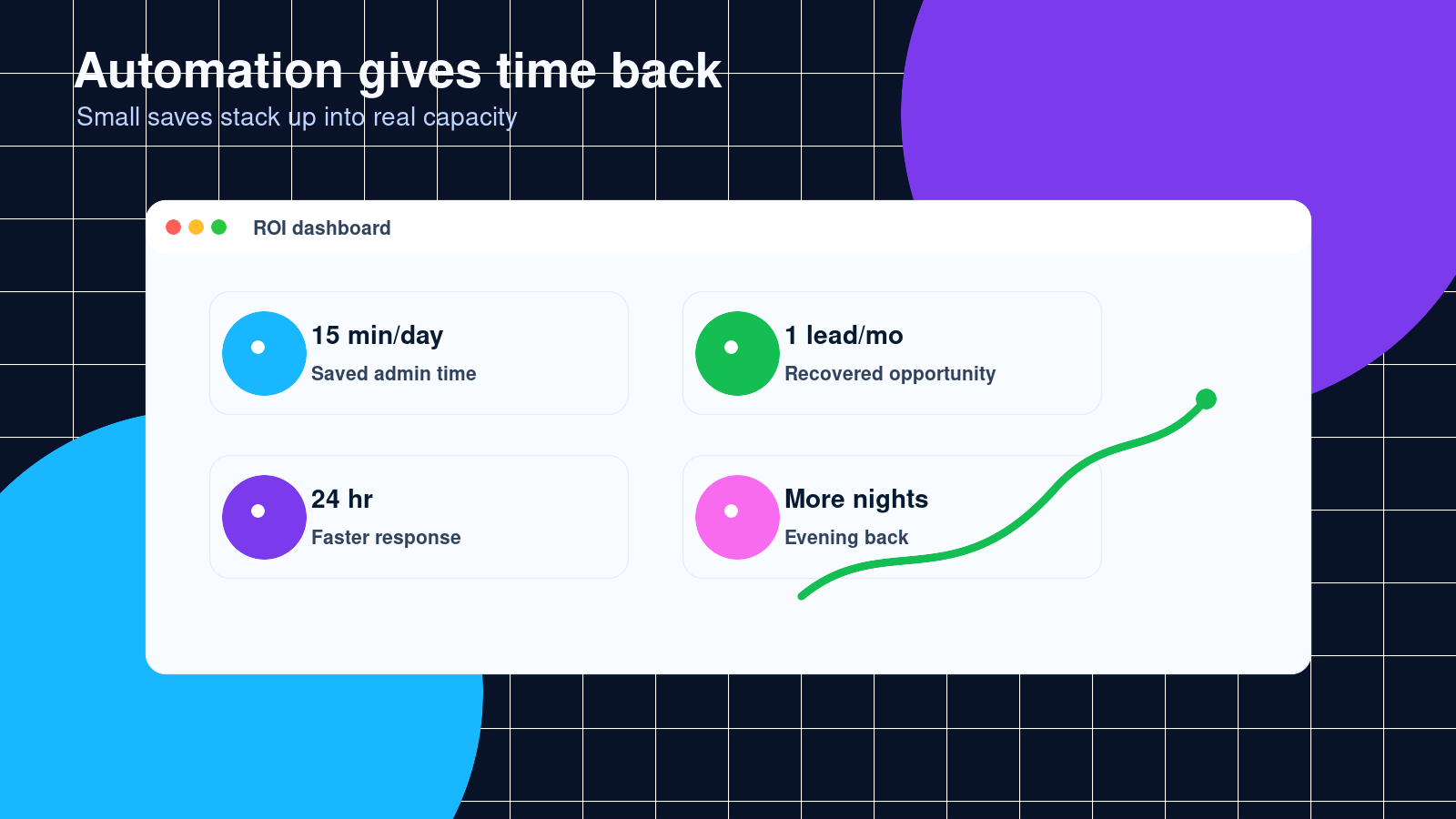
If automation saves 15 minutes a day, that is more than an hour a week.
If it saves one missed lead a month, it may pay for itself.
If it stops the owner from doing the same admin task every night, that matters too. Time is not just money. Sometimes time is getting your evening back.
How Celestia Digital can help
Celestia Digital helps small businesses clean up their websites, forms, workflows, and automations.
That might mean fixing a contact form, connecting a website to a CRM, setting up follow-up messages, building a custom quote form, or creating a better system for leads and customer records.
The goal is not to make your business more complicated.
The goal is to make the work smoother, faster, and easier to manage.
If your leads are scattered, your follow-up is inconsistent, or your team keeps doing the same task by hand, automation can help.
Frequently asked questions
Is automation expensive for a small business?
It does not have to be. Many useful automations are small projects. The cost depends on the tools involved, how many steps need to connect, and whether custom coding is needed.
Do I need custom software to automate my business?
Usually, no. Many businesses can start by connecting tools they already use, like WordPress, Google Sheets, Gmail, Google Calendar, Stripe, Square, Mailchimp, Shopify, or a CRM. Custom code helps when the normal tools cannot handle the workflow cleanly.
Will automation make my business feel less personal?
Only if it is done badly. Good automation handles timing, reminders, routing, and records. Your voice and customer care should still feel human.
What is the best automation to start with?
Start with the task that causes missed money or wastes the most time. For many businesses, that is lead capture, follow-up, appointment reminders, or review requests.
Can automation help with SEO?
Automation does not replace SEO work, but it can support it. For example, review request automations can help generate more customer reviews, and better forms can improve the way website visitors turn into leads.
Next step
If you are not sure where to start, look at the last five leads your business received.
Ask yourself:
- Where did each lead come from?
- How fast did you respond?
- Did every lead get saved somewhere?
- Did every quote get a follow-up?
- Did every completed job get a review request?
If the answer is messy, that is the first place to automate.
Celestia Digital can help you map it out and build the system around how your business actually works.
Suggested CTA button text:
- Automate my follow-up
- Fix my lead system
- Talk to Celestia Digital
- Get a small business automation audit
